Script, voice, footage, editing, thumbnail and YouTube description — in one app, with one button. No API keys, subscriptions or editing software.
Any length — from a 1-minute short to a 2-hour documentary.
No timeline, no hunting for footage. Review and change every step if you want — or press one button and wait.
Voice, editing style, length — once.
Or pick one of the ideas the AI found.
Video, thumbnail, title, description and tags — ready.
It used to be 6 separate subscriptions and hours of manual work. Now it is one app and one credit balance.
Topics your channel has not covered yet, with viral title options learned from competitors.
Upload a video from a channel you like — the system learns its style, hook and structure and writes in that voice.
Hundreds of professional voices to preview and pick. Text voiced once is never paid for twice.
You decide how many AI images, real photos/videos and stock clips. Real footage is freely licensed only.
Graphics that follow the words, transitions, karaoke subtitles, mood-matched music and soft effects. Renders on your machine.
Give it a reference thumbnail and it draws in that style. Edit the text line by line, with colours. Title, description and tags are written for you.
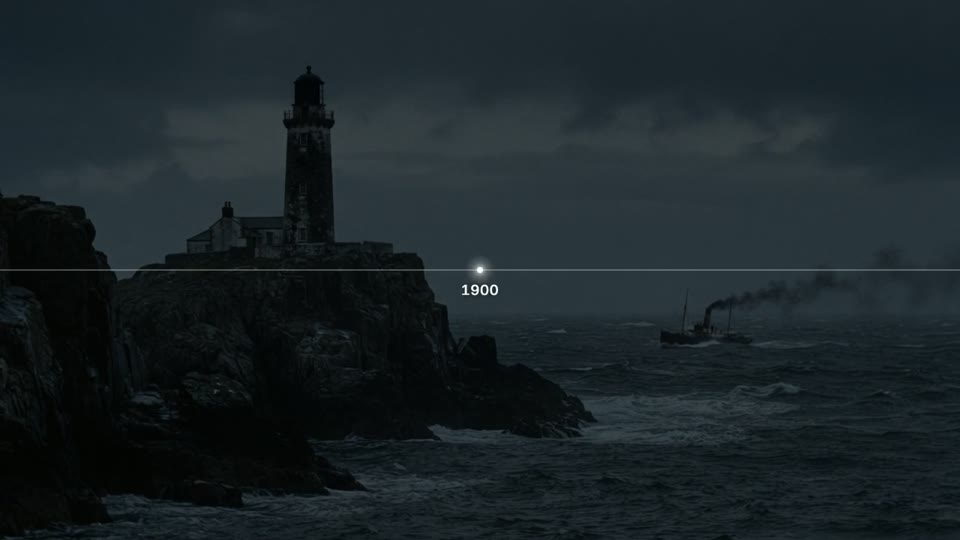
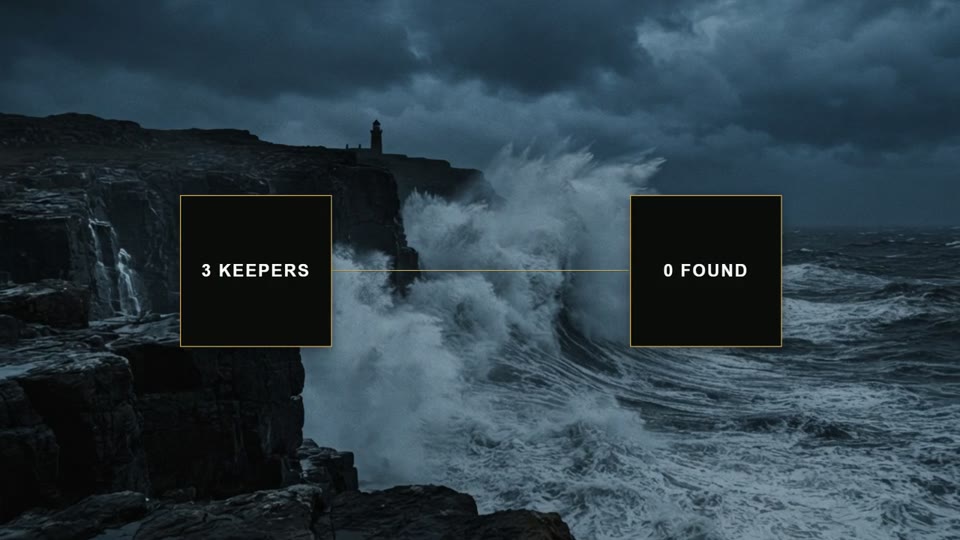
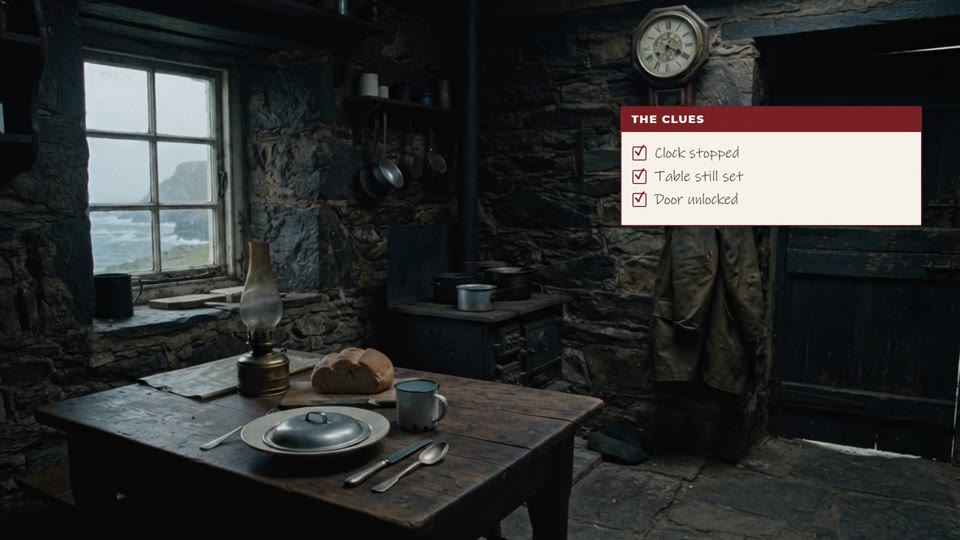
A number spoken is counted up, a year becomes a timeline, a quote becomes a quote card. Graphics are placed automatically and drawn on your computer. The frames below were rendered by the app itself — hover over them.

Number count-up

Year marker

Quote card

Paired comparison

Checklist card

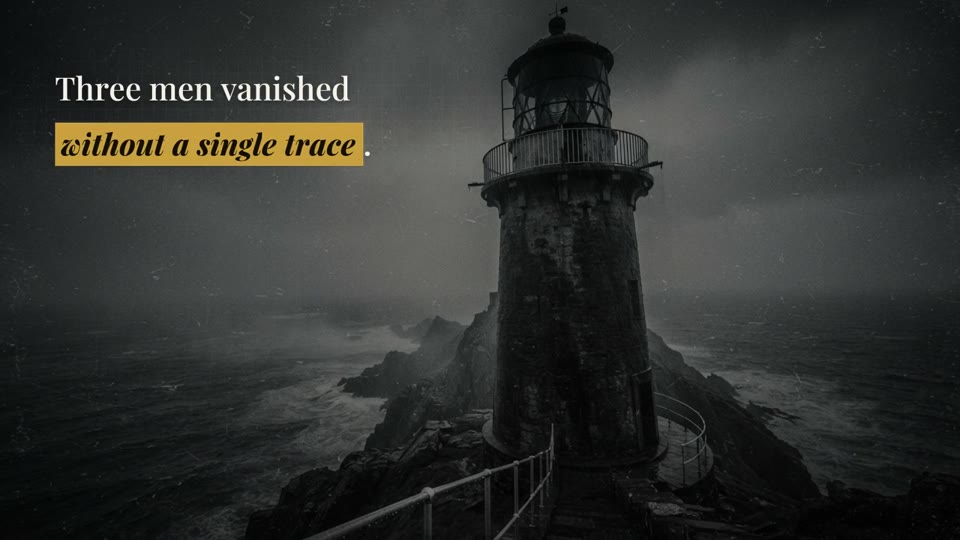
Highlighted phrase

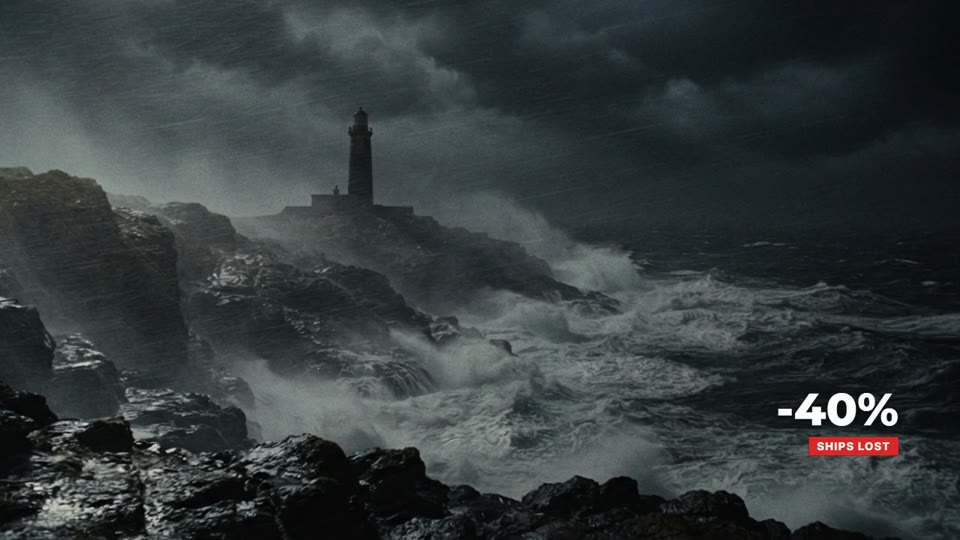
Corner stat

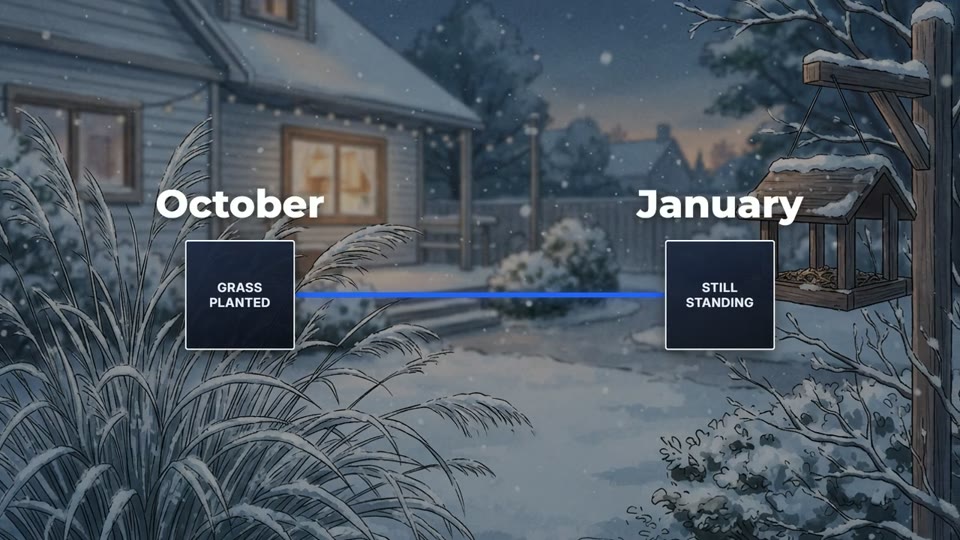
Timeline
From documentary history to today's news digest.
Deeply researched scripts, real archive images, calm narration — long-form documentaries.
The AI finds today's stories and builds a digest: real footage, animated maps, date and country labels.
AI images with a consistent character, handwritten cards, number and chart animations.
A one-time key — not a subscription. Every button shows its credit cost up front. When credits run out, top up with a new key — credits add up.
To get started
For a channel that posts regularly
For several channels
BananaAI (Banana AI) is an AI video generator for faceless YouTube channels. You type a topic or a title: the app researches it online, writes the script, reads it with a professional AI voice, finds free-licence real photos and footage or draws AI images, edits everything with graphics that match the narration, and prepares the thumbnail, YouTube title, description and tags.
There are 12 ready editing styles for documentary, history, news digest, explainer and business channels, and you can build your own template from a video you like. Rendering happens on your own PC — no queue, no monthly subscription, no API keys. A one-time key comes with a credit balance and works until the credits are used up.
A credit is the internal unit of account. It pays for the AI steps that cost money: writing the script, the voice, AI images, the AI that plans the edit. Searching real photos and video, background music, sound effects, subtitles and rendering are free. Every button shows its credit cost up front.
No. No API keys, no subscriptions, no separate payments — it is all included. The app sends its requests through our server.
Footage comes only from freely licensed sources (Wikimedia Commons, NASA, US government archives, Pexels, Pixabay). Background music is Content-ID-free. Authors who require CC BY are credited in the video description automatically.
Yes. Pick one of 12 ready styles, or upload a video from a channel you like and build your own template. You decide the media (AI, real, stock) and the subtitles — the style edits like its reference whatever media you use.
Not yet. The video, thumbnail, YouTube title, description and tags come out ready — you copy them over. Automatic upload is being built.
Script and voice take a few minutes. Most of the time goes to finding footage and rendering, which depends on your computer. Progress is shown as a percentage and can be paused.
Windows 10 / 11 (64-bit), 8 GB RAM recommended, internet. On first launch it downloads what it needs (ffmpeg, Node.js, Whisper) by itself. The key binds to one computer — if you change machines, message us and we will move it.
YouTube (16:9) for now. Vertical format is coming.
Through Telegram: message @adhamovcg, we pick a plan, and after payment I send the key. You enter it the first time the app opens.
Message me with any questions — we will pick a plan together and I will send the key.
Windows 10 / 11 · 87 MB · v1.0.0 — the app needs a key to run.